
Technical SEO Checklist for Better Rankings (2026) | Digital Happiness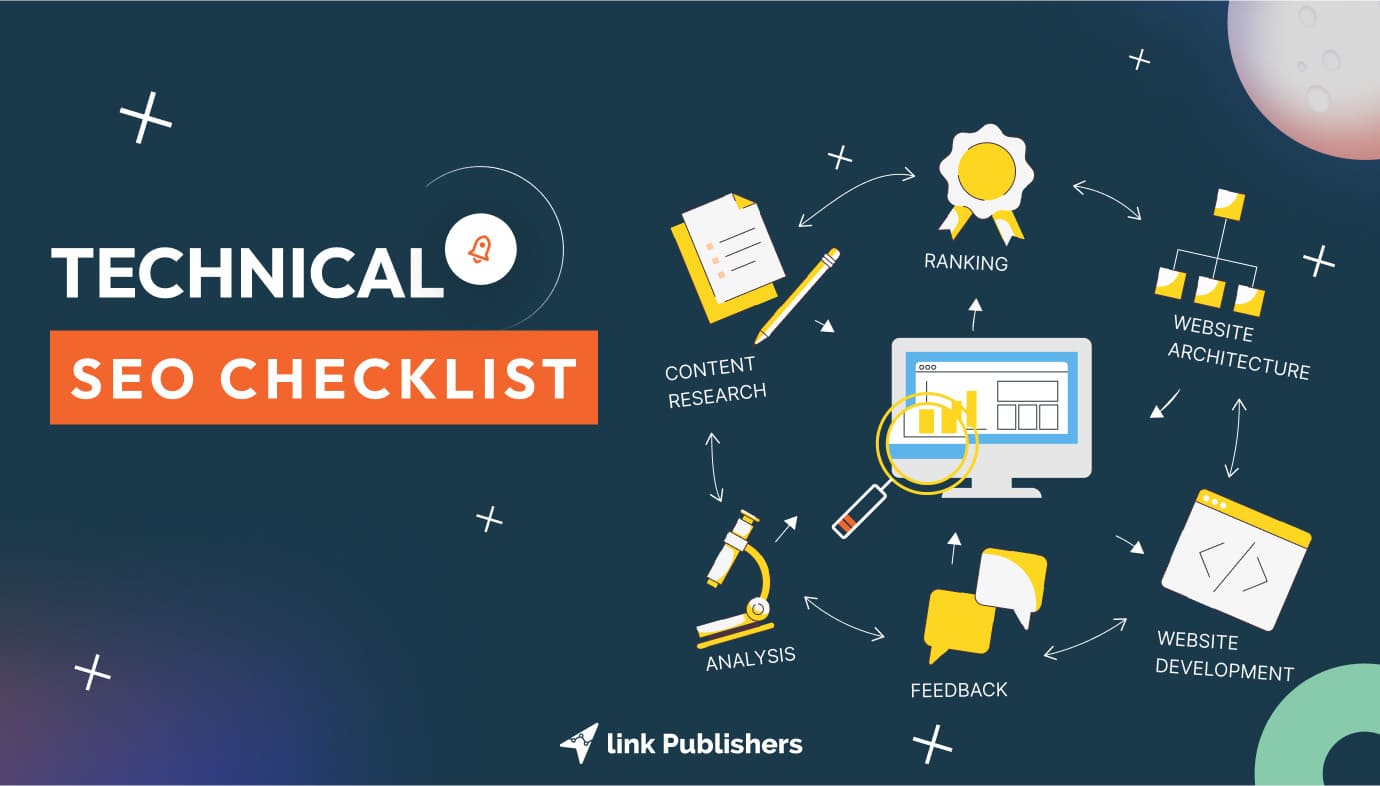
Whether you’re launching your first website or auditing an established domain, this technical SEO checklist walks you through every critical element from crawl access to AI-readiness. Bookmark it, share it with your dev team, and revisit it every quarter.Most SEO conversations start with keywords and content. That’s understandable great content is the finish line. But technical SEO is the race track. Without it, even the most expertly crafted content can sit invisible on page ten.
- 53%of mobile visits are abandoned if a page takes longer than 3 seconds to load
- 3×more likely to be featured in AI Overviews with proper structured data
- Q1the best time to run your technical SEO audit before algorithm updates roll in
This complete technical SEO checklist for beginners and experienced marketers is organized into eight sections. Work through them in order for a systematic audit or jump to the area that’s causing you the most pain right now.
1. Crawlability & Indexation-Technical SEO
Before Google ranks a page, it has to find it. Crawlability is always the first place to look when a site isn’t performing. One misplaced disallow directive in your robots txt. can silently hide entire sections of your site from every search engine on the planet.
Crawlability Checklist
- Audit your robots.txt Visit yoursite.com/robots.txt. Confirm no critical directories (/blog/, /services/, /products/) are accidentally blocked. Test it using Google Search Console’s robots.txt tester.
- Submit & validate your XML sitemap Ensure your sitemap contains only indexable, canonical URLs no 301s, 404s, or noindex pages. Submit it via Google Search Console and Bing Webmaster Tools.
- Check index coverage in Search Console Review the Pages report. Investigate any Excluded,Crawled but not indexed,or Discovered but not indexed URLs.
- Audit noindex tags Use Screaming Frog or Sitebulb to catch pages accidentally tagged with noindex. One wrong tag can remove a high-value page from rankings overnight.
- Manage crawl budget wisely For large sites (1,000+ URLs), block low-value parameterized URLs, faceted navigation duplicates, and internal search result pages from crawling.
- Govern AI bots in robots.txt In 2026, differentiate between training bots (GPTBot, ClaudeBot) and retrieval bots (PerplexityBot). Block training bots if you want to protect proprietary content, but allow retrieval bots for AI search visibility.
2. Core Web Vitals & Page Speed-Technical SEO
Performance is no longer optional. Search Engine Land has reported extensively that Google’s Core Web Vitals are confirmed ranking signals and as of December 2025, pages that return non-200 HTTP status codes may be excluded from Google’s rendering pipeline entirely.
Core Web Vitals Checklist
- LCP (Largest Contentful Paint) -Target: under 2.5sOptimize your largest visible element (hero image, main heading). Use lazy loading, compressed WebP/AVIF images, and a CDN.
- INP (Interaction to Next Paint)- Target: under 200msINP replaced FID as the interactivity metric. Audit long tasks in JavaScript with Chrome DevTools. Break long tasks into smaller async chunks.
- CLS (Cumulative Layout Shift) -Target: under 0.1Reserve space for images, ads, and embeds. Set explicit width/height attributes on all images. Avoid inserting dynamic content above existing page content.
- Enable browser caching & compressionSet cache-control headers. Enable Gzip or Brotli compression on your server. Use a CDN (Cloudflare, Fastly) to serve assets from edge nodes closest to your users.
- Compress and convert all imagesTools like TinyPNG, Squoosh, or ShortPixel can reduce image weight by 60–80% without visible quality loss. Serve images in next-gen formats: WebP or AVIF.
- Minimize render-blocking resourcesDefer non-critical JavaScript. Inline critical CSS. Eliminate unused CSS/JS using tools like PurgeCSS. Google PageSpeed Insights will flag these directly.
3. Site Architecture & URL Structure-Technical SEO
How you organize your website directly affects how Googlebot navigates it and how much authority flows to each page through internal links. Clean architecture is invisible when it’s working, and catastrophic when it’s not.
Architecture Checklist
- Keep important pages within 3 clicks of the homepageDeep pages get crawled less frequently and receive less internal PageRank. Flatten your architecture wherever possible.
- Use descriptive, keyword-rich URLsprefer/services/technical SEO/over/page?id=248 Keep URLs short. Use hyphens, not underscores. Lowercase only.
- Eliminate orphan pagesOrphan pages those with zero internal links get crawled rarely and rank poorly. Run a Screaming Frog audit to find them and add contextually relevant internal links.
- Implement breadcrumb navigationBreadcrumbs improve crawlability, reinforce site hierarchy, and when marked up with BreadcrumbList schema display as rich results in SERPs.
- Fix redirect chains & loopsEvery redirect hop wastes crawl budget and dilutes link equity. Aim for direct 301s. Audit with Screaming Frog’s redirect chain report.
4. HTTPS & Site Security-Technical SEO
Security Checklist
- Migrate all pages to HTTPS HTTPS is a confirmed Google ranking signal. Any HTTP page including images and scripts triggers a “Not Secure” browser warning that tanks user trust and dwell time.
- Check for mixed content issues Even one HTTP image or script on an HTTPS page can flag your site as insecure. Use browser developer tools or Screaming Frog to detect mixed content.
- Ensure your SSL certificate is valid & auto-renewing An expired certificate can kill your rankings overnight. Use Let’s Encrypt with auto-renewal, or your hosting panel’s SSL manager.
- Set up HSTS (HTTP Strict Transport Security)HSTS tells browsers to always use HTTPS for your domain, preventing downgrade attacks and improving security signals.
5. Mobile-First Indexing-Technical SEO
Google now indexes the mobile version of your site first. If your mobile experience is broken, slow, or missing content, your rankings will reflect that even for desktop users.
Mobile Checklist
- Test with Google’s Mobile-Friendly TestPaste any URL into Google’s Mobile-Friendly Test. Fix any flagged issues before they impact your index.
- Ensure desktop and mobile content paritySince Google indexes mobile-first, any content visible only on desktop is effectively invisible to the crawler. Avoid hiding key content in mobile-only accordions without proper schema.
- Use responsive design (not separate mobile URLs)Responsive design is Google’s recommended approach. Avoid m.example.com subdomains unless you can maintain perfect canonical tag implementation.
- Make tap targets large enoughButtons, links, and form fields should be at least 48×48 CSS pixels with adequate spacing. Small tap targets create accessibility and UX issues that can affect rankings.
6. Structured Data & Schema Markup-Technical SEO
Structured data is one of the highest-leverage items on any technical SEO checklist right now. As Search Engine Land has reported, both Google and Microsoft now use schema markup to populate their AI-generated answer features. Getting your schema right means your content can appear not just in blue links, but in AI Overviews, rich results, and featured snippets.
AI-era note: AI engines like ChatGPT, Perplexity, and Google Gemini parse your structured data to understand your content. Schema is no longer just for rich snippets it’s the language AI speaks about your brand.
Schema Markup Checklist
- Organization schema on homepageInclude name, logo, URL, sameAs (social profiles), and contactPoint. This connects your website to your brand entity in Google’s Knowledge Graph.
- Article / BlogPosting on content pagesInclude author, datePublished, dateModified, headline, and image. Author schema connects your content to a real person with verifiable E-E-A-T signals.
- BreadcrumbList for navigationBreadcrumb schema displays your URL hierarchy in SERPs a small but meaningful CTR improvement, especially on mobile.
- FAQ schema on question-based pagesFAQ markup makes your content more digestible for both Google’s featured snippets and LLM-based retrieval systems that use a “chunk” approach to answering queries.
- LocalBusiness for physical locationsEssential for local SEO. Include address, phone, hours, and geo-coordinates. Validate with Google’s Rich Results Test.
- Validate all schema with Rich Results TestVisit search.google.com/test/rich-results and test your key page types. Fix any errors before schema can influence your SERP appearance.
7. Duplicate Content & Canonicalization-Technical SEO
Duplicate content confuses search engines about which version of a page to rank and index. Canonicalization is your tool for telling Google exactly which version you consider authoritative.
Duplicate Content Checklist
- Implement canonical tags correctlyEvery indexable page should have a self-referencing canonical tag. Pages with parameterized variants (sorting, pagination) should point to the canonical base URL.
- Pick one preferred domain and stick to itexample.com vs. www.example.com pick one and 301 redirect the other. Set your preferred domain in Google Search Console.
- Audit paginated contentFor paginated series, use canonical tags pointing to the first page (or use a rel=”next”/rel=”prev” approach). Avoid paginated pages being indexed as thin content.
- Handle trailing slashes consistentlyexample.com/page/ and example.com/page are treated as different URLs. Pick one pattern and 301 the other sitewide.
8. AI Search & GEO Readiness-Technical SEO
This is the newest section in any complete technical SEO checklist for beginners and arguably the most important for 2026. Technical SEO is no longer just about ranking on Google. Your site now needs to be legible to AI engines including ChatGPT, Perplexity, Google Gemini, and others.
The new reality: Discovery now happens across vertical platforms and AI answer engines. If an AI system can’t parse your content without rendering heavy JavaScript, you may miss the opportunity to appear in AI-generated answers entirely.
AI-Readiness Checklist
- Structure content for AI “chunking” (BLUF Method)LLMs retrieve content in chunks. Lead with your core answer in the first sentence of each section. Don’t bury key information in long paragraphs. Use clear H2/H3 headings as signposts.
- Avoid heavy JavaScript for critical contentContent buried in client-side JS is harder for AI crawlers to extract. Prefer server-side rendering (SSR) for product descriptions, FAQs, and key metadata.
- Implement IndexNow for real-time indexingIndexNow lets you push new or updated URLs to Bing and partner search engines instantly, rather than waiting days for a crawl cycle. Most modern CDNs support one-click IndexNow integration.
- Strengthen E-E-A-T signals technicallyUse Author schema with linked credentials. Connect your Organization schema to verified social profiles. Build a clear About page that establishes who you are and what makes you credible.
- Monitor AI Overview appearances in GSCGoogle Search Console now shows which queries trigger AI Overviews where your site appears. Track this weekly to understand your GEO (Generative Engine Optimization) footprint.
Essential Tools for Your Technical SEO Audit
| Tool | Use Case | Cost | Priority |
|---|---|---|---|
| Google Search Console | Indexing, Core Web Vitals, URL Inspection, Sitemaps | Free | Must Have |
| Google PageSpeed Insights | LCP, INP, CLS field data and lab diagnostics | Free | Must Have |
| Rich Results Test | Validate schema markup and preview SERP features | Free | Must Have |
| Screaming Frog SEO Spider | Full crawl audit: redirects, orphans, broken links, duplicates | Free up to 500 URLs / £149/yr | Recommended |
| Ahrefs / Semrush | Backlink analysis, keyword tracking, site audit | Paid | Recommended |
| Bing Webmaster Tools | IndexNow setup, Bing crawl data, AI search insights | Free | Nice to Have |
| Cloudflare | CDN, Brotli compression, IndexNow integration, HTTPS | Free / Paid plans | Nice to Have |
How Often Should You Run a Technical SEO Audit?
The cadence that makes sense for most websites: run a full technical audit quarterly. For larger or frequently updated sites, a monthly review of crawl errors and Core Web Vitals data is worth the investment. Always run an immediate audit after any major site migration, redesign, CMS change, or significant algorithm update.Technical issues compound quietly. A redirect chain added in January becomes a crawl budget problem by April. A broken hreflang tag added during a localization project can suppress international rankings for months before anyone notices. Systems beat heroics build the audit into your team calendar.
Need Help With Your Technical SEO?
The team at Digital Happiness has audited hundreds of websites across industries. Let us find the technical issues holding your site back and build a prioritized roadmap to fix them.Get a Free SEO Audit →
Digital Happiness Team:We’re a digital marketing agency helping brands grow their organic presence through data-driven SEO, content strategy, and web performance. Visit us at digitalhappiness.in.